Read the manual online
All 2,306 pages, with the contents, a search across every volume and Ask This Building beside it. Tap any plant reference to see everywhere else it's mentioned.
Open the manualElmwood Shopping Centre, Market Gate Road, Elmwood EL6 4QT. Everything about this building's services in one place: ask a question, read the manual, open the drawings.
Answers come only from this building's manual, and open the page they came from.
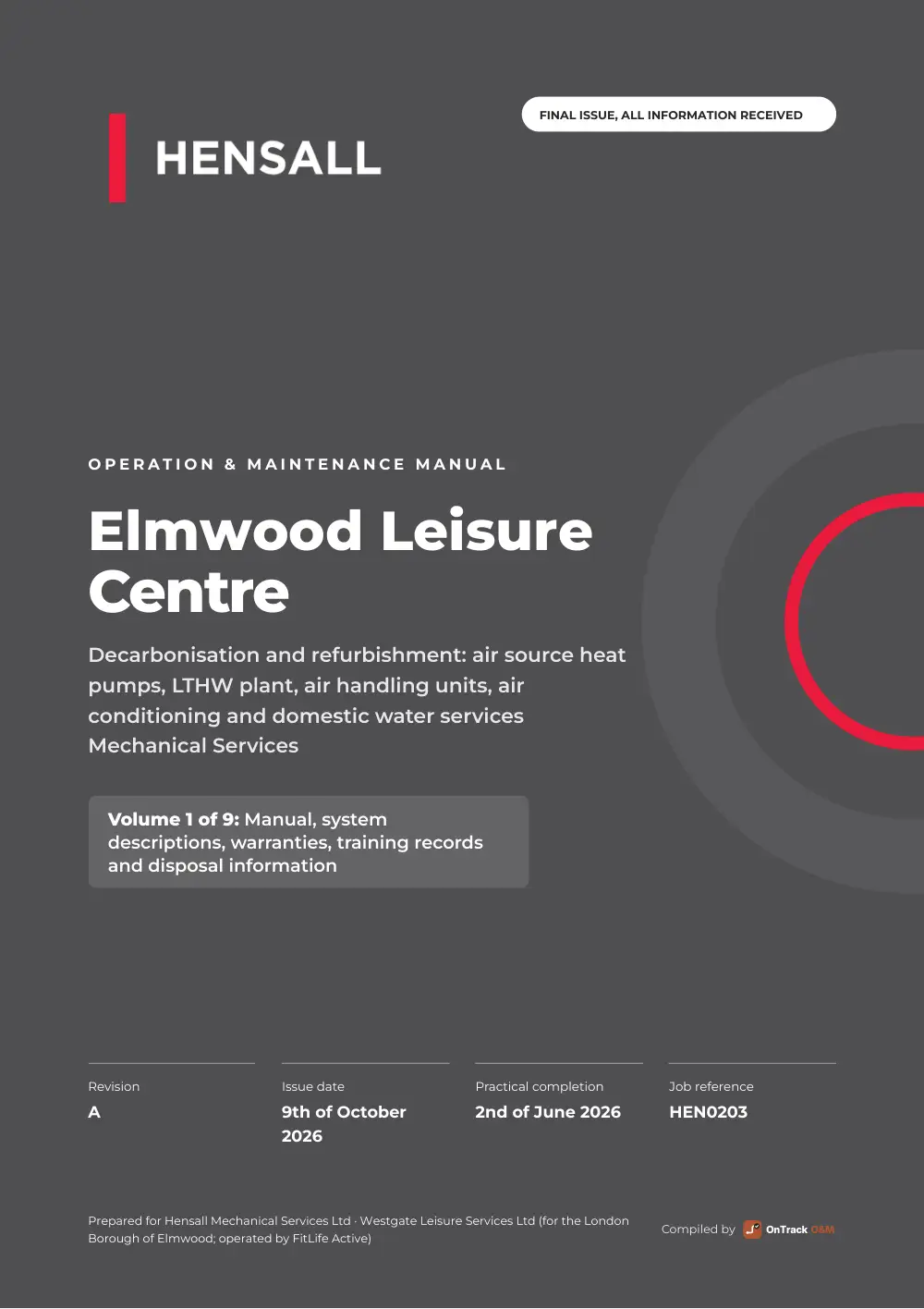 Open the manual
All 2,306 pages, with the contents, a search across every volume and Ask This Building beside it. Tap any plant reference to see everywhere else it's mentioned.
Open the manualThe key information in 119 pages: what's installed and where, the asset register, maintenance, how to isolate, warranties and who to call.
42 as-built drawings. Tap any piece of plant for its details, its manual pages and how to isolate it.
11 documents: certificates, data sheets, warranties, schedules and drawings, in the manual's sections.
No documents match that search.
The manual, the drawings and the schematic, saved in your phone's browser so they work with no signal. Plant and drawing QR codes you scan with the camera then open it, even in a plant room.
11 files, 229 MB in all. Open any of them here, or save them to keep.
Share it, label the plant, keep it going, or have it printed.
Anyone with this link or the manual's QR codes. Nothing to sign in to.
To take someone off, or make it signed-in only: sign in.
A weatherproof QR sticker for every item of plant, printed and posted free of charge for whoever looks after it to stick on. Scan one and it opens that item: its manual pages, drawings, settings and who to call.
After every service, the engineer scans it too: Log a visit, add the service sheet or certificate, and it's filed against that item, so the live manual keeps the building's records up to date. It works with no signal and sends when there is.
It's all free for 12 months from handover. To keep it going after that: £50 a month or £400 a year.
Printed, bound and posted, or every file on a USB stick. Choose and the price shows here.
Quick answers. For anything else, tap Ask at the bottom of the screen.
Tap Save it to your phone (or Save this building in the menu). It's kept in your phone's browser, works with no signal, and any plant or drawing QR code you scan with the camera opens it. On an iPhone use Safari; on Android, Chrome.
Open this page in Safari (iPhone) or Chrome (Android), not inside an email or a messaging app's own browser, then tap Save this building again. Still stuck? Tell us below.
Search the manual for its reference (for example AC-01), tap it on a clickable drawing, or ask: “where is AC-01 and how do I isolate it?”. Every reference in the manual is a link to everywhere else it's mentioned.
Yes: tap the microphone in the question box and ask out loud. It works in Chrome, Edge and Safari.
Always: this link follows the latest issue of the manual, so bookmarks and QR codes keep working.
Broken, missing, confusing, or something you'd like it to do. It goes straight to Sam at OnTrack.
This is a live manual: it's kept up to date, and this page always shows the latest issue (now A), so the link keeps working as new revisions go out.